
Table of Contents
An IPTV free trial 24 hours can tell you more about a streaming service than a long list of reviews, channel-count claims, or polished pricing pages because the service is being tested inside your own home. You get to see how it behaves on your television, player, router, internet connection, and normal viewing schedule instead of relying entirely on somebody else’s setup.
That does not mean one day proves everything. IPTV performance can vary by channel, time of day, sports demand, internet routing, device, network, and player. An IPTV free trial 24 hours that works perfectly on a quiet afternoon cannot guarantee identical performance during a major weekend event months later. What the trial can do is expose obvious compatibility, channel, EPG, support, and reliability problems before you pay for a longer plan.
The biggest mistake is wasting the limited time. Some users activate the account immediately, spend hours researching a player, browse random channels, and then realize the test period is almost over. A better IPTV free trial 24 hours strategy starts before activation: prepare the device, install the player, identify the channels that matter, and know exactly what you want to test.
Quick Answer: Is an IPTV Free Trial 24 Hours Enough?
An IPTV free trial 24 hours is usually enough to confirm basic compatibility and reveal obvious weaknesses. You can verify that the account loads, important channels are present, sports streams behave reasonably, EPG data appears, navigation feels usable, and the service works on the Fire TV, Android TV, Smart TV, Apple TV, or other device you intend to keep.
The key is not trying to test everything. The strongest 24-hour IPTV test focuses on the situations that will determine whether you eventually subscribe. A sports household should test sports. An international household should test the exact countries it watches. A family should confirm paid-plan connection rules rather than assuming one trial account represents every multi-screen package.
If you are evaluating Xtreme HD IPTV, check the IPTV free trial for current conditions, review the channel list, and prepare the setup with the installation guide before activation.
Prepare the Device Before the Timer Starts
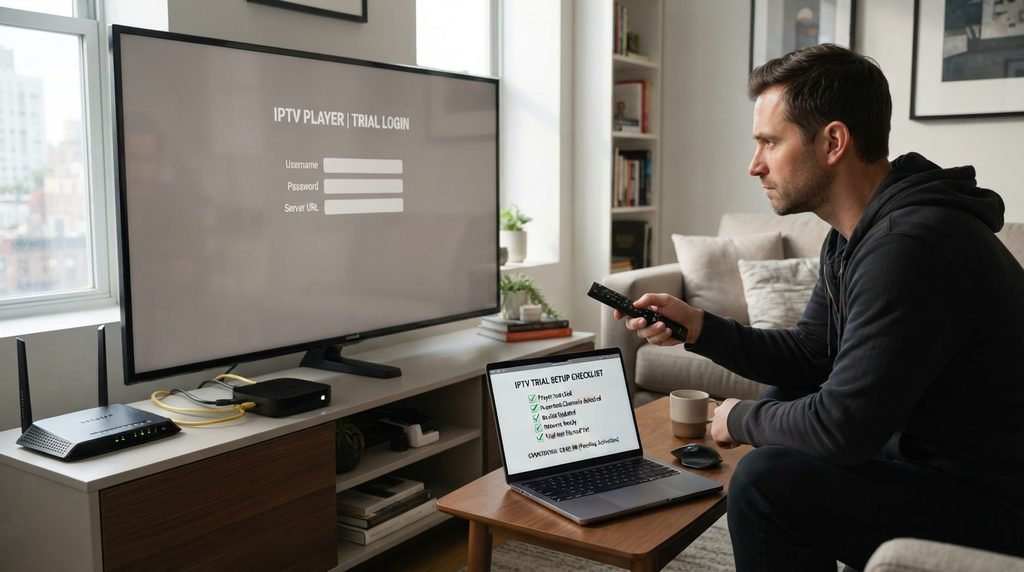
The best IPTV free trial 24 hours begins before the account is activated. Decide which screen you intend to use after purchase. That may be a Firestick, Android TV, Google TV, Samsung Smart TV, LG television, Apple TV, NVIDIA Shield, Android box, computer, phone, or tablet. Testing on a phone is not very useful if almost all later viewing will happen on a living-room television.
Install the compatible player beforehand. Open it once, find where the provider credentials will be entered, update the streaming device, and make sure the home internet connection is behaving normally. If you need help preparing common platforms, use the IPTV installation guide before starting the IPTV free trial 24 hours.
Do Not Spend Trial Time Researching Apps
If the account activates before you know which player to use, a large part of the IPTV free trial 24 hours can disappear into setup work. Preparation turns the trial from a rushed installation session into an actual service test.
Build a Must-Have Channel Test List
Large IPTV catalogs create an easy distraction. A user sees thousands of channels and starts exploring categories that will never matter after purchase. The smarter IPTV free trial 24 hours approach is to start with the twenty or thirty channels your household actually uses.
Think about sports, news, movies, children’s programming, U.S. television, UK television, Canadian channels, French programming, German content, Latino television, Arabic channels, or any other specific category that matters. Use the current IPTV channel list to identify what you want to test before activation.
Useful Channels Matter More Than the Headline Number
A provider can advertise 20,000 channels and still be poor value if several of the twenty-five channels you use every week are unreliable. An IPTV free trial 24 hours gives you the chance to ignore the marketing total and judge your useful lineup instead. Open your important channels early, then return to them later. That second check matters because a stream that works once does not prove consistency across the entire trial.
Use Live Sports as a Stress Test
Live sports are one of the strongest ways to test IPTV because matches and events combine fast motion, long sessions, and periods of high demand. Football, basketball, boxing, UFC, motorsport, hockey, cricket, rugby, and other live broadcasts are much more revealing than opening a static channel for thirty seconds.
If sports matter, schedule the IPTV free trial 24 hours around a real event where possible. Leave the stream running. Watch rapid camera movement, player outlines, the ball, crowd detail, score graphics, and picture consistency. Listen for audio drift as the event continues.
Do Not Let the 4K Badge Decide the Test
A stable Full HD sports stream can be much more enjoyable than an unstable UHD feed. The IPTV free trial 24 hours should judge the actual picture you receive rather than the resolution label printed beside the channel name.
Re-Test During Normal Evening Conditions
Time of day matters. An IPTV free trial 24 hours activated early in the morning should not be judged only at 10 AM if the household normally watches between 7 PM and midnight. Internet congestion, household bandwidth usage, major sports events, and provider demand can all create different conditions later in the day.
Return during the period that resembles normal use. If someone usually watches another streaming service upstairs while somebody else games and you watch IPTV downstairs, do not disconnect everything just to create a perfect environment. The goal is to find out whether the IPTV free trial 24 hours works in the household you actually have.
Realistic Testing Is Better Than Perfect Testing
A service that works only when every other device is turned off may not feel good after purchase. The test should reflect normal household conditions as closely as possible.
Use Wi-Fi, Ethernet, and Other Apps as Controls
Buffering does not automatically mean the provider is bad. A stream passes through the provider, internet routes, ISP, router, Wi-Fi or Ethernet connection, streaming device, and player before reaching the television. Problems anywhere in that path can cause freezing.
If playback is inconsistent during the IPTV free trial 24 hours, run a few control tests before reaching a conclusion. Open another mainstream streaming service on the same device. If every video app struggles, the network or device may be involved.
Ethernet Creates a Useful Baseline
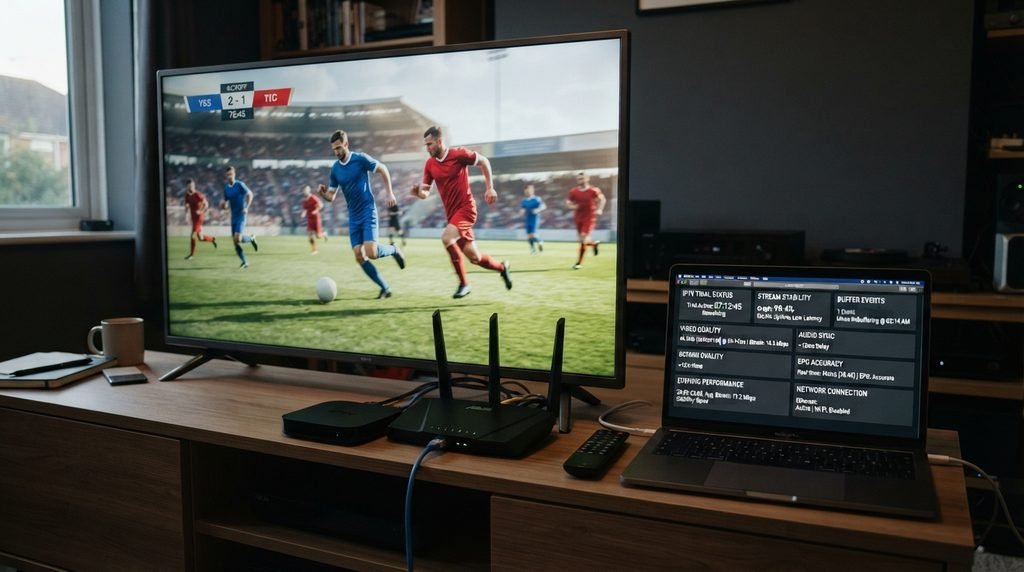
If the device supports Ethernet, connect it directly to the router and retry the same channels. If the IPTV free trial 24 hours becomes smooth while Wi-Fi continues to struggle, the wireless connection was probably contributing to the problem.
If normal streaming remains stable while several IPTV channels repeatedly fail through both Wi-Fi and Ethernet, the provider or upstream source becomes more suspicious. These tests help you avoid rejecting a good service because of weak Wi-Fi or buying another provider only to experience the same problem.
| What You See | Likely Area to Check | Useful Test |
|---|---|---|
| All streaming apps buffer | Home network or ISP | Try Ethernet or another device |
| Only IPTV buffers | Provider or stream source | Test several unrelated channels |
| Wi-Fi fails, Ethernet works | Wireless network | Improve local connectivity |
| One player crashes | Application | Use another compatible player |
Test EPG, Favorites, Search, and Navigation
Streams receive most of the attention during a trial, but everyday usability matters too. The electronic program guide tells you what is playing. Favorites reduce a giant catalog to the channels you genuinely use. Search and categories make large libraries manageable.
During the IPTV free trial 24 hours, use these features deliberately. Add favorites, move between categories, search for a program, check whether guide data appears correctly, restart the player, and see whether the organization remains intact.
Think About Month Six, Not Trial-Day Excitement
The first hours with a huge playlist can feel like exploration. Months later, you will probably want to open the player, enter Favorites, choose a familiar channel, and watch. The trial should test whether the service can become that simple.
Separate Player Problems From Provider Problems
An IPTV free trial 24 hours normally evaluates the provider account, not every capability of the application itself. Players such as TiviMate and Smarters Pro are separate from providers. They organize and play compatible content but do not automatically supply the subscription.
This distinction matters when something fails. If the same trial account works normally inside another compatible player, the provider may not be the cause. If several players all struggle with the same streams while ordinary internet video works correctly, the provider or upstream source deserves more attention.
Change One Variable at a Time
Use one well-configured player throughout most of the 24-hour test. Change applications only when there is a specific reason to investigate an app-related issue. Controlled testing makes the result easier to interpret.
Check Simultaneous Connection Rules
A trial account may have different connection limits from the paid package you eventually choose. Do not assume one IPTV free trial 24 hours account represents every family or multi-screen plan.
The important concept is simultaneous streams. Installing the player on four televisions does not automatically mean all four can watch at once. Before converting an IPTV free trial 24 hours into a family subscription, check exactly how many concurrent streams the paid plan permits.
| Household Situation | What to Verify |
|---|---|
| One viewer with several devices | Whether switching devices is allowed |
| Two independent viewers | At least two concurrent streams |
| Family with several TVs | Exact multi-screen allowance |
| Sports multiview | Whether each stream counts separately |
| Home and travel use | Provider device and location rules |
| Trial account | Trial-specific restrictions |
Test Support While the Risk Is Low
The trial is also a chance to evaluate customer support before you depend on it. You do not need to invent a fake emergency. Ask one genuine question if something is unclear, such as device compatibility, connection limits, activation, EPG behavior, or plan differences.
A short IPTV trial can reveal whether support actually answers the question. Fast replies and useful replies are not the same thing. A generic answer that does not address the issue is not strong support simply because it arrived quickly.
Understand Trial Billing and Credit-Card Rules
Some providers offer trials without payment details, while others use small paid tests or require account registration. There is no universal rule. A no-card IPTV free trial 24 hours reduces one type of risk, but the terms still matter.
If payment information is requested, check whether the trial automatically becomes a paid subscription, whether cancellation is required, and exactly when billing begins. Do not assume the words “free trial” mean no future charge unless the terms clearly say so. The safest IPTV free trial 24 hours is one whose duration, activation, and conversion rules you understand before submitting anything.
What a 24-Hour Trial Can and Cannot Prove
An IPTV free trial 24 hours can reveal obvious buffering, channel, EPG, login, navigation, support, and device problems. It cannot prove that a provider will never freeze or that the same performance will continue forever.
Even strong services can encounter temporary source issues, routing problems, maintenance, or conditions outside their control. The purpose of an IPTV free trial 24 hours is not proving perfection. It is deciding whether the service performs consistently enough in the situations you care about.
Use the Trial to Build Confidence, Not Certainty
If sports, evening viewing, longer sessions, EPG, and the real device all work without serious problems, that gives you useful evidence. It does not create a lifetime guarantee.
Common Trial Mistakes
The biggest mistake is activating before the device is ready. Another is spending most of the IPTV free trial 24 hours browsing random channels instead of testing the content that will determine whether you subscribe.
Users also test only during quiet hours, treat one working sports channel as proof of long-term reliability, blame every freeze on the provider, ignore connection limits, or immediately purchase twelve months because the first hour looked good.
The trial should reduce uncertainty. If you finish the day knowing only that the login worked, most of the testing opportunity was wasted.
Final Trial Decision Matrix
The easiest way to finish an IPTV free trial 24 hours is to score the things that matter instead of deciding from one impressive moment.
| Test Area | Question | Good Result |
|---|---|---|
| Device | Does the account work on the main screen? | Clean setup and stable playback |
| Channels | Do must-have channels work? | Useful lineup is reliable |
| Sports | Does a real event remain stable? | Long-session playback is acceptable |
| Evening use | Does the service survive normal household load? | Performance remains usable |
| Network | Did control tests rule out weak Wi-Fi? | Cause of buffering is clearer |
| EPG/navigation | Is daily use comfortable? | Favorites, search, and guide work |
| Connections | Does the paid plan fit simultaneous viewers? | Allowance matches household needs |
| Support | Are genuine questions answered clearly? | Useful response quality |
| Commitment | Has the service earned a longer plan? | Plan length matches confidence |
Frequently Asked Questions About IPTV Free Trial 24 Hours
Where can I get an IPTV free trial 24 hours?
Many providers offer short trial access, although conditions vary. If you are considering Xtreme HD IPTV, check the IPTV free trial page for the current offer.
Should I buy one year after the IPTV trial?
Not automatically. A successful IPTV free trial 24 hours is encouraging, but a shorter paid period can provide more real-world evidence before a twelve-month commitment.
What if my IPTV trial keeps buffering?
Test several channels, another streaming application, Wi-Fi and Ethernet when possible, and the player. If ordinary internet video works correctly while IPTV remains unstable, contact the provider before buying.
How should I spend the first hour of the trial?
Go directly to the channels and device conditions that matter most. Confirm login, test must-have channels, use the EPG, and begin at least one longer stream instead of browsing randomly.
Is one day enough to judge support?
It is enough to ask a genuine question and see whether the response is useful. The IPTV free trial 24 hours cannot prove long-term support quality, but it can expose poor communication immediately.
Final Verdict: IPTV Free Trial 24 Hours in 2026
An IPTV free trial 24 hours is one of the smartest ways to evaluate a service before paying, but only when the limited time is used deliberately. Prepare everything before activation. Install the player, update the device, identify the channels you want, and understand the normal household conditions you need to reproduce.
Once the IPTV free trial 24 hours begins, go directly to the important tests. Check your sports, must-have countries and channels, EPG, favorites, navigation, longer streams, evening performance, and support. Compare Wi-Fi with Ethernet and another streaming service when playback becomes inconsistent.
If you are testing Xtreme HD IPTV, review the channel list beforehand, prepare the device with the installation guide, and check the free trial for current availability. Only after the service passes the test should you compare the current pricing and decide whether a short or long plan makes sense.
Most importantly, understand what an IPTV free trial 24 hours can and cannot prove. It can show whether the setup works today, reveal obvious buffering and EPG problems, test sports under your normal network conditions, and expose basic support issues. It cannot guarantee perfect performance for the next year. Use the trial to reduce uncertainty, then let real confidence determine how much money and time you commit.
Ready to start streaming?
Choose a subscription and get your Xtreme HD IPTV access from the official pricing page.
Live TV • VOD • Sports • EPG • Multi-device options