
Table of Contents
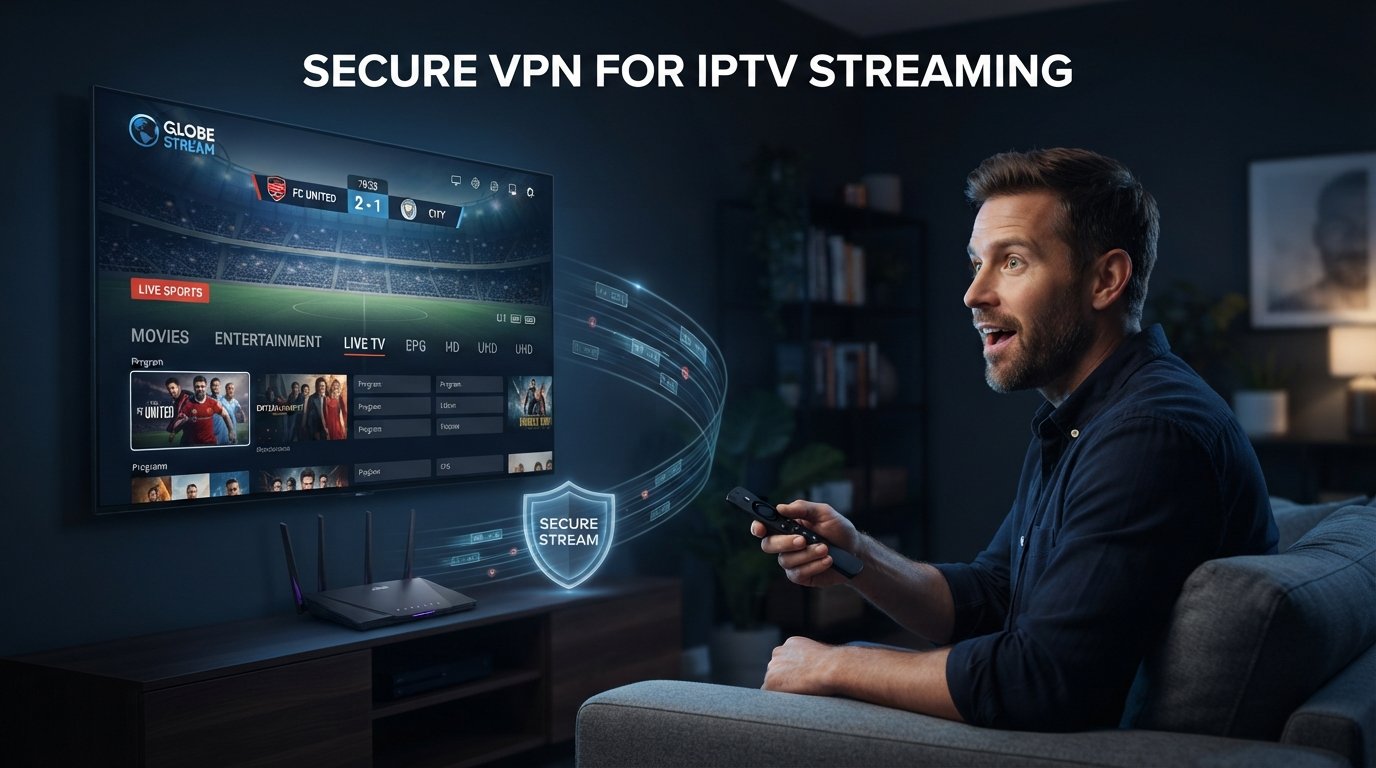
Using a Secure VPN for IPTV Streaming can make sense when privacy, network security, or internet routing matters to you, but a VPN should not be treated as a mandatory IPTV accessory. IPTV is simply television delivered through internet networks. It can work perfectly without a VPN when the provider, device, player, home network, and internet connection are functioning normally.
The problem is that VPN marketing often turns a networking tool into a magic fix. Turn it on and supposedly buffering disappears, privacy becomes perfect, speed increases, and every IPTV problem goes away. Real streaming networks are more complicated. A Secure VPN for IPTV Streaming adds encryption and another server into the connection path. That can improve a poor route in some situations, but it can also add latency, reduce throughput, or create new troubleshooting variables.
The right question is therefore not “Does every IPTV user need a VPN?” It is “What problem am I trying to solve?” Privacy on an untrusted network, hiding destination visibility from a local network or ISP, or testing a different route are clear reasons. Installing a VPN simply because somebody says IPTV requires one is not.
Quick Answer: Do You Need a Secure VPN for IPTV Streaming?
No. A Secure VPN for IPTV Streaming is not inherently required. It encrypts traffic between your device and the VPN server and changes the route that traffic takes before reaching the destination. That can add privacy and sometimes alter routing in a useful way.
What it cannot do is repair a weak IPTV provider, a broken stream source, overloaded server, slow streaming box, unstable Wi-Fi connection, or badly configured player. If IPTV works well without a VPN, adding one purely because a guide says you “must” use it may add complexity without solving anything.
If you are still evaluating the IPTV service itself, test that separately first. Review the current IPTV channel list, prepare the device with the IPTV installation guide, and use the IPTV free trial when available before adding another network layer.
Start With the Reason You Want a VPN
The strongest Secure VPN for IPTV Streaming decision starts with a clear purpose. Maybe you want to encrypt traffic on public Wi-Fi. Maybe you prefer that your ISP or local network operator cannot easily inspect which internet services your device connects to. Maybe you travel often and use networks you do not control. Perhaps you simply want an encrypted connection from the streaming device.
Those are much stronger reasons than adding a VPN because every IPTV setup supposedly requires one. If privacy is the goal, choose a trustworthy VPN and test whether performance remains acceptable. If buffering is the goal, diagnose the connection first and compare the same IPTV streams with and without the VPN.
Purpose Makes Troubleshooting Easier
When you know why the Secure VPN for IPTV Streaming is present, you also know how to judge it. A privacy-focused setup can tolerate a small speed reduction if streaming remains smooth. A performance-focused test should prove that routing actually improves before the VPN becomes a permanent part of the system.
Choose Privacy and Security Before Price
VPN services handle a privileged part of the connection, so the cheapest option should not automatically win. A Secure VPN for IPTV Streaming may carry hours of television traffic every evening, and the provider becomes an important trust point. Look for a clear privacy policy, modern encryption, sensible account security, leak protection, and features such as a kill switch where appropriate. Provider transparency matters more than a huge server-count graphic or the lowest monthly price.
Be Careful With Unknown Free VPNs
Running VPN servers costs money. Some reputable companies offer restricted free tiers with lower server choice or other limits, and those can be useful for occasional testing. Unknown completely free VPN applications deserve more caution when their business model or privacy practices are unclear. If a Secure VPN for IPTV Streaming will run for several hours each day, stability, privacy, and transparency are more important than saving a few dollars.
Judge Stability, Not Just Speed-Test Numbers
Streaming needs continuous bandwidth rather than one impressive speed-test result. A Secure VPN for IPTV Streaming adds another destination into the path, so server load, distance, routing, and VPN infrastructure can affect real playback.
Suppose one VPN produces 300 Mbps in a speed test but suffers large latency spikes, while another gives 150 Mbps and stays stable for hours. Once both have enough bandwidth for the stream, the more consistent connection may provide the better television experience.
Test Long Sessions, Not Only Short Benchmarks
Use the Secure VPN for IPTV Streaming with the content you actually watch. A ninety-minute football match, long movie, or evening live-TV session tells you more than a ten-second bandwidth test.
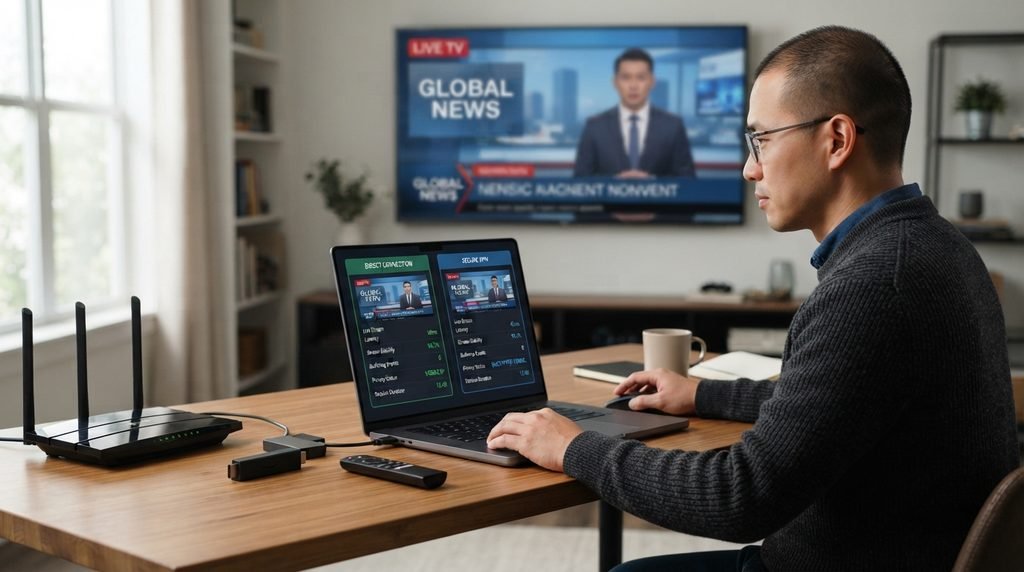
Use a Controlled VPN On/Off Buffering Test
A VPN can sometimes reduce IPTV buffering when the normal route between the ISP and streaming infrastructure is poor. By sending traffic through a different network path, the VPN can occasionally avoid congestion or inefficient routing.
The reverse can also happen. The VPN server may be overloaded, distant, or connected through a worse path. That is why a Secure VPN for IPTV Streaming should be tested rather than assumed to help.
| Test Result | What It May Suggest |
|---|---|
| Poor without VPN, better with VPN | Alternative routing may help |
| Good without VPN, worse with VPN | The VPN is adding unnecessary overhead |
| Poor both ways | Provider, source, device, or network may be the problem |
| Only Wi-Fi is poor | Home wireless connection needs attention |
| Only one channel is poor | Individual source may be unstable |
Keep the Test Fair
Use the same device, player, Wi-Fi or Ethernet connection, and similar streams. The Secure VPN for IPTV Streaming comparison becomes meaningless if the player, provider, router settings, and device are all changed at the same time.
Choose Nearby Servers First
For normal privacy-focused streaming, a nearby VPN server is a sensible starting point because it often creates a shorter network path than a server on the other side of the world. Physical distance does not perfectly predict internet routing, but it is still a useful first filter.
If one nearby server performs poorly, test another nearby location from the same Secure VPN for IPTV Streaming provider. Server load and data-center routing can differ even within the same region.
Once You Find a Stable Server, Stop Changing It
Constantly switching servers while diagnosing IPTV makes it harder to understand what caused an improvement. A good Secure VPN for IPTV Streaming should make server changes easy, but stable settings are more useful than endless experimentation.
Match the VPN to the Streaming Device
The best VPN on a laptop is not automatically the best Secure VPN for IPTV Streaming on a television. Device support determines whether the setup is simple or awkward.
Android TV and Google TV commonly have dedicated VPN applications. Fire TV can also support VPN apps, although app availability depends on the exact hardware and operating environment. Samsung and LG Smart TVs use different platforms, so native VPN apps may be unavailable and router-level use can become an alternative for legitimate privacy needs.
Check Device Compatibility Before Paying
Do not buy a multi-year Secure VPN for IPTV Streaming plan because the service has good desktop reviews and only afterward discover that your main television device cannot run the application. Verify current support for the exact Fire TV, Android TV, Google TV, Apple TV, computer, phone, or router you intend to use.
If you still need help with the IPTV side, use the installation guide separately from the VPN setup.
Use Sensible Protocol and Security Settings
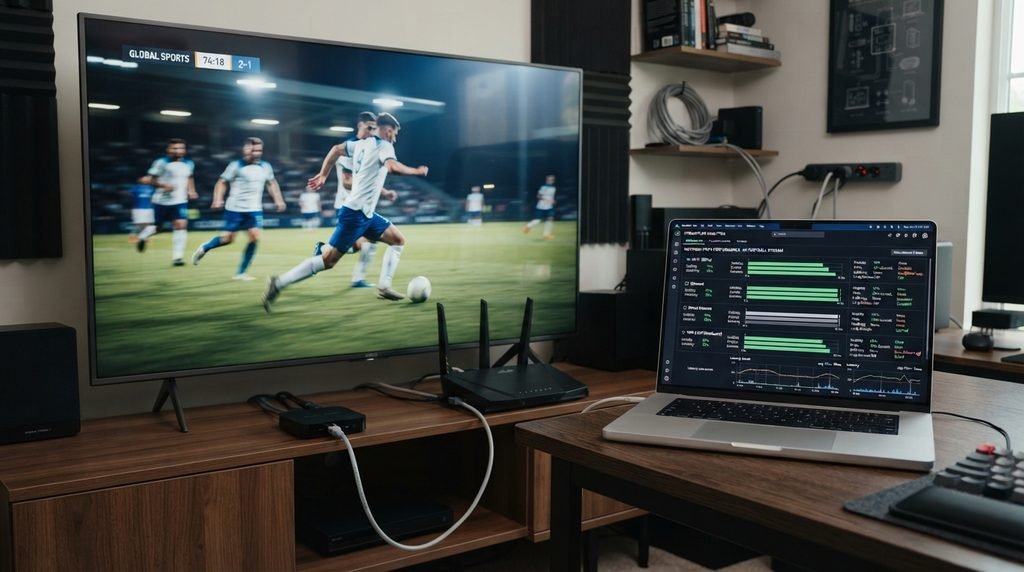
VPN apps often allow several protocols. The protocol controls how the encrypted tunnel is created and can affect speed, reliability, and compatibility. For most users, the reputable provider’s recommended automatic setting is a better starting point than immediately changing advanced values.
A Secure VPN for IPTV Streaming does not become better simply because the configuration is more complicated. Start with the default recommended mode and test it. If performance is already good, there may be nothing to optimize.
Change One Setting at a Time
If a real problem appears, then compare protocols or other settings individually. Randomly changing DNS, MTU, encryption modes, and multiple protocol options at once creates too many variables and makes the result harder to understand.
Establish IPTV Performance Before Adding the VPN
The cleanest setup process is to make sure IPTV works normally before adding another networking layer. That gives you a baseline. If the service already buffers badly without the VPN, adding encryption and a second route may make diagnosis harder.
If you are evaluating Xtreme HD IPTV, use the IPTV free trial when available and establish normal performance first. Then enable the Secure VPN for IPTV Streaming and repeat the same channels and long-session tests.
A Baseline Turns Guessing Into Comparison
Once you know how the provider behaves directly, you can measure what the Secure VPN for IPTV Streaming changes. Better, worse, or essentially the same are all useful results.
How a VPN Interacts With TiviMate
TiviMate and a VPN perform different jobs. TiviMate is the IPTV media player. The IPTV provider supplies the account or playlist. The Secure VPN for IPTV Streaming protects or reroutes the network traffic from the device.
That gives you three separate layers: player, subscription, and VPN. If TiviMate works directly but stops connecting through one VPN server, test another VPN server before changing the playlist. If TiviMate behaves the same with and without the VPN while individual channels still fail, the provider or source deserves more attention.
Do You Need a VPN Before Buying IPTV?
No. Evaluate the IPTV subscription first. Make sure the provider works normally on the device and network before adding the VPN. Use the current IPTV channel list, prepare the setup with the installation guide, and use the free trial when available.
Once a baseline exists, add the Secure VPN for IPTV Streaming and compare. If both configurations work similarly and you value the privacy benefits, keeping the VPN is easy to justify. If every VPN route performs significantly worse and privacy needs do not justify the trade-off, reconsider the server or provider rather than assuming IPTV itself is broken.
Final VPN Decision Matrix
The easiest way to decide whether a Secure VPN for IPTV Streaming belongs in your setup is to separate privacy value from performance cost.
| Decision Area | Question | Good Result |
|---|---|---|
| Purpose | Why do you want the VPN? | Clear privacy or routing reason |
| Trust | Is the VPN provider transparent? | Clear privacy and security practices |
| Device | Does the app support your hardware? | Simple supported setup |
| Speed | Is there enough sustained throughput? | Long streams remain stable |
| Routing | Does the VPN improve or preserve playback? | Fair on/off test passes |
| Server | Is a nearby stable location available? | No unnecessary long-distance route |
| Security features | Do you understand kill switch behavior? | No accidental misdiagnosis |
| Network | Have Wi-Fi and Ethernet issues been separated? | Local problems are ruled out |
| Legal expectations | Do you understand what the VPN does not change? | Privacy and content rights kept separate |

Frequently Asked Questions About Secure VPN for IPTV Streaming
Do I need a Secure VPN for IPTV Streaming?
Not necessarily. IPTV can work without a VPN. A Secure VPN for IPTV Streaming is useful when you want encrypted traffic, additional privacy, or an alternative network route.
Can a VPN reduce IPTV buffering?
Sometimes. If routing is part of the problem, a VPN may help. It can also make streaming slower. Compare the same channel with and without the Secure VPN for IPTV Streaming before drawing conclusions.
What VPN protocol is best for IPTV?
Modern efficient protocols can be good for streaming, but the reputable VPN provider’s recommended automatic setting is usually a sensible starting point. Test before changing advanced settings.
Should I use a free VPN for IPTV?
A reputable restricted free tier can be useful for testing. Unknown completely free VPNs can have unclear privacy practices, crowded servers, bandwidth limits, or weak streaming performance.
Can I use a Secure VPN for IPTV Streaming on Firestick?
Potentially, provided the VPN application supports the exact Fire TV hardware and operating environment. Check current compatibility before purchasing a long VPN plan.
Should I use Ethernet with a VPN?
Ethernet can provide a more stable local connection than weak Wi-Fi. It can work alongside a Secure VPN for IPTV Streaming because the two solve different problems.
Final Verdict: Secure VPN for IPTV Streaming in 2026
A Secure VPN for IPTV Streaming can be a useful part of a television setup, but it should have a clear purpose. Use one because you value encrypted network traffic, want more privacy on networks you do not control, or because testing shows that another route works better for your connection. Do not install one simply because somebody claims IPTV cannot function without it.
Start by getting IPTV working without unnecessary variables. Review the channel list, prepare the device with the installation guide, and use the free trial when available. Establish a baseline first.
Then connect the Secure VPN for IPTV Streaming and repeat the same tests. Use a nearby server. Watch a long stream. Test sports. Compare channel switching and EPG loading. If buffering appears, compare Ethernet and Wi-Fi before blaming either the VPN or provider.
If the VPN gives you the privacy you want without noticeably harming performance, it has earned a place in the setup. If every VPN route performs much worse while IPTV is already stable directly, there may be little technical reason to force it into the system unless you specifically need its privacy benefits.
Most importantly, remember what a Secure VPN for IPTV Streaming is and is not. It is a privacy and networking tool. It does not repair a weak IPTV provider, create 4K video, fix bad Wi-Fi, or change whether a provider has the right to distribute copyrighted content.
Ready to start streaming?
Choose a subscription and get your Xtreme HD IPTV access from the official pricing page.
Live TV • VOD • Sports • EPG • Multi-device options