Table of Contents
Finding a US IPTV provider with local channels is not the same as choosing a service mainly for movies, international television, or general entertainment. Local television in the United States is built around individual broadcast markets, so the ABC, CBS, NBC, FOX, PBS, independent, Spanish-language, news, and weather stations available in one city can be completely different from the affiliates serving another. A provider can advertise “USA local channels” and still fail to include the exact station you expect in your market. That is why the most important part of the decision happens before you compare price, channel count, or long-term subscription discounts.
A strong US IPTV provider with local channels should match the way you actually use local television. If you mainly want national prime-time programming carried by local affiliates, you may be flexible about which city the affiliate comes from. If you depend on local weather alerts, traffic, school closures, city news, regional elections, or community coverage, the exact market matters much more. Sports can make the choice even more complicated because locally broadcast games, national network events, and regional sports networks are not the same category and should be checked separately.
This guide is built as a buying framework rather than another generic checklist. You will start with your own market, identify your essential stations, verify them in the provider’s lineup, test them during a trial, evaluate the service on the device and network you actually use, and only then compare subscription price. That order matters. A US IPTV provider with local channels is valuable only when the local feeds you need are present, recognizable, stable, and convenient enough to use every day.
Start With the Local Stations You Actually Need
Before opening a provider website, write down the local channels your household would notice immediately if they disappeared. This sounds obvious, but it prevents one of the most common mistakes in IPTV shopping: choosing a provider because it advertises a huge U.S. category and then discovering after payment that your actual city is missing. The best US IPTV provider with local channels for someone in Chicago can be a poor choice for someone in Phoenix if the local affiliate coverage is different.
A US IPTV provider with local channels should be evaluated against that personal list, not against the provider’s total number of American channels. A catalog can look enormous while still being weak in the one market you care about. The opposite is also possible: a provider with fewer overall channels can be a better fit because the exact local stations you use every week are present and stable.
What “Local Channels” Really Means in the U.S.
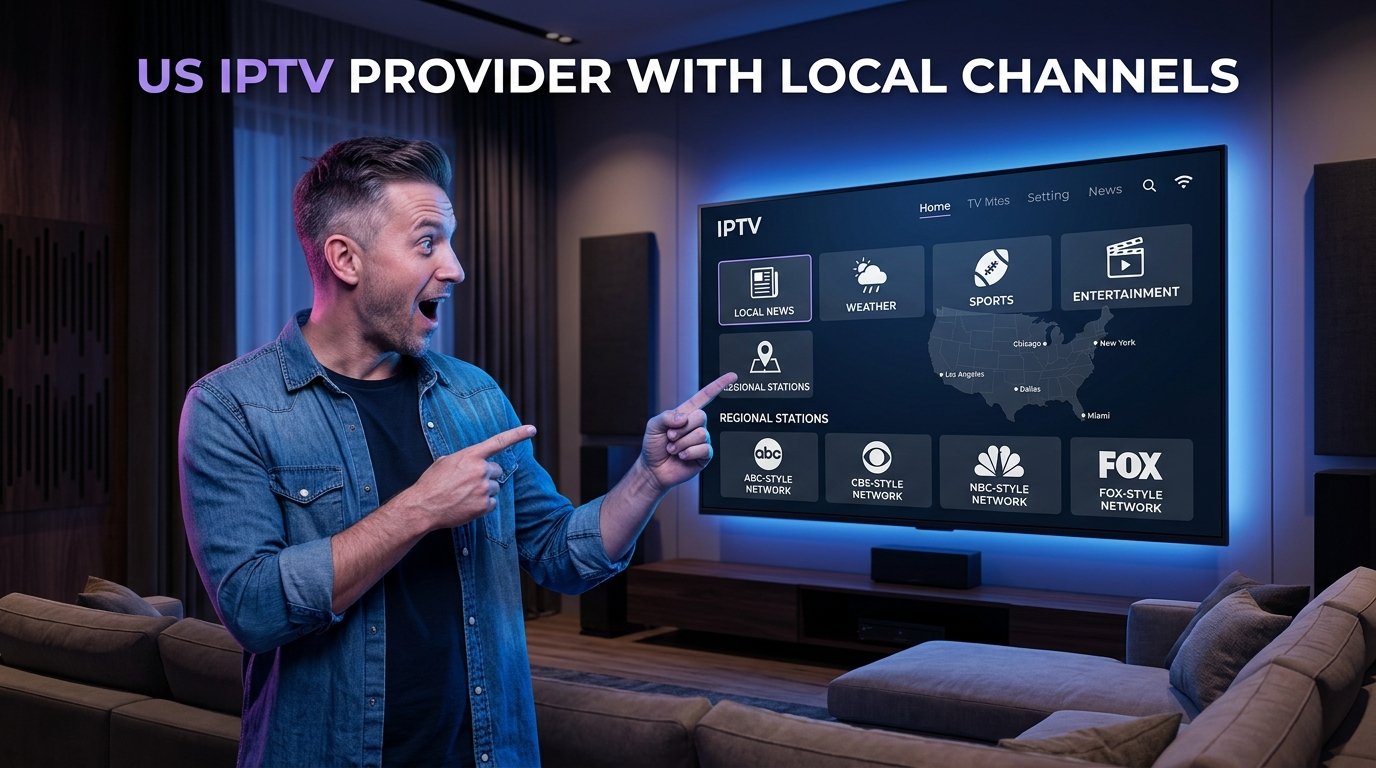
“Local channel” can describe several different things, and confusing them makes shopping harder. A local affiliate is a station serving a specific television market and carrying programming from a larger network such as ABC, CBS, NBC, or FOX. A national cable network is different because it is distributed broadly rather than tied to one local market. A regional channel may cover a larger geographic area and can include sports or regional news. Independent stations and local PBS outlets can add another layer.
| Channel Type | What It Usually Means | Why It Matters |
|---|---|---|
| Local affiliate | A market-specific ABC, CBS, NBC, FOX, or similar station | Local news, weather, community coverage, network programming |
| National network | A larger broadcaster whose content may appear through affiliates | Prime-time shows and nationally distributed programming |
| Regional channel | Programming aimed at a state or multi-city region | Regional news or sports can differ from local affiliates |
| Cable channel | A non-local network distributed across many markets | Usually not a replacement for local news |
| Independent local station | A market-specific station not necessarily tied to a major network | May carry local or syndicated programming |
This is why a US IPTV provider with local channels should not be judged by a simple claim like “includes ABC, NBC, CBS, and FOX.” You need to know which affiliates are included. If your priority is national programming, a nearby or out-of-market affiliate may be acceptable. If your priority is local information, the wrong affiliate can make the channel almost useless even though the network logo looks correct.
Build Your Market Checklist Before Comparing Providers
- Essential: exact local news affiliate, primary network stations, weather source, or a must-have regional channel.
- Useful: PBS, independent stations, Spanish-language local television, secondary news channels, or nearby-market feeds.
- Optional: duplicate affiliates, distant markets, extra regional stations, and channels you rarely watch.
Once the list is ready, compare it with the provider’s current catalog. If you are evaluating Xtreme HD IPTV, start with the current IPTV channel list. For general background on television delivery and broadcast systems, the Television overview can also help explain the broader distinction between broadcast and internet-delivered viewing. A US IPTV provider with local channels should make it possible to locate the market you need without forcing you to guess from vague “USA” labels.
How to Read an IPTV Channel List Properly
A channel list is a starting point, not proof of performance. Search by state, city, network name, and regional label rather than scrolling through every U.S. category. If you find several versions of the same network, note the city or market attached to each one. A US IPTV provider with local channels may include dozens of affiliates from different parts of the country, but only a few of them may be relevant to you.
The strongest US IPTV provider with local channels is therefore not necessarily the one with the longest list. It is the one whose local feeds are both present and usable. A provider with 200 local stations can be a poor fit if your three essential channels are missing, while another with 80 may suit you perfectly if those stations are included and work well.
Use the Trial as a Real Local-TV Test
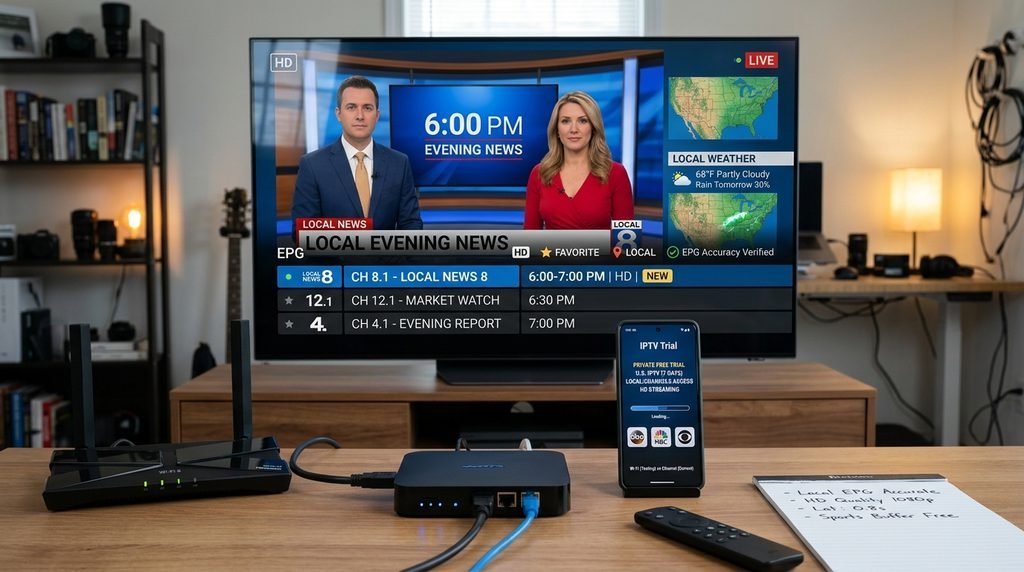
Do not treat the trial like a five-minute demo. A US IPTV provider with local channels should be tested when local television actually matters to you. If you watch the 6 PM news, test the local station around that time. If Sunday football is the reason you care about an affiliate, test during a live game window if the trial allows. If your household watches television mostly in the evening, test during evening network conditions rather than only in the morning.
During the trial, check the correct local affiliates, local news, weather programming, sports broadcasts, EPG accuracy, channel switching, audio synchronization, picture quality, app restart behavior, device restart behavior, and longer viewing sessions. Do not test only one affiliate. One perfect stream does not prove that every local station is equally reliable, while one temporary failure does not prove the entire US IPTV provider with local channels is poor. Repeat a few tests and look for patterns.
Local News vs National Network Programming
Many buyers say they want local channels when they actually want national programming carried by local stations. That distinction changes how strict you need to be about the market. If your household mainly wants prime-time network shows or nationally televised events, an affiliate from another nearby market may be acceptable. In that case, the US IPTV provider with local channels does not necessarily have to carry your exact city as long as the network programming you need is available and stable.
This is also where local station naming becomes important. A US IPTV provider with local channels may label streams by city, call sign, state, or network. Learn how the provider organizes these feeds during the trial, then save the correct stations as favorites so you do not have to search the entire library every day.
Local Channels and Live Sports
A US IPTV provider with local channels should be tested with real sports rather than judged only by a static picture. Fast camera movement, score graphics, crowd detail, quick scene changes, and audio timing can reveal stream quality problems that are less noticeable during a talk show or news broadcast. Watch for frame drops, repeated buffering, audio delay, and how quickly the stream recovers after a short interruption.
Do not confuse local affiliates with regional sports networks. They are not the same thing. A provider can have excellent ABC, CBS, NBC, and FOX coverage while still lacking a regional sports network that carries a particular team. Check both categories separately. If local sports are essential, the best US IPTV provider with local channels is the one that covers the actual broadcast path for the teams and events you follow, not simply the service with the largest sports folder.
Choose the Service Around Your Main Device
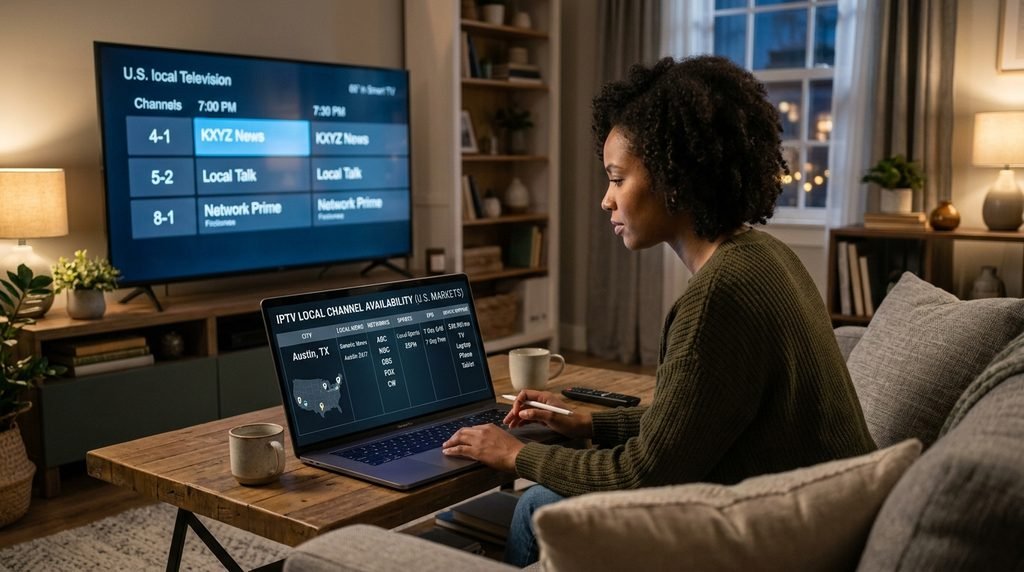
A subscription can look perfect until you discover that the player experience is poor on the television you use every day. Before paying for a US IPTV provider with local channels, decide which device is primary. Fire TV, Android TV, Google TV, NVIDIA Shield, Samsung Smart TV, LG webOS, Apple TV, MAG boxes, phones, tablets, and computers can all have different player choices and setup requirements.
Fire TV and Android-based devices often provide broad IPTV-player choice, which can make it easier to organize large local and national channel libraries. Samsung and LG televisions can be convenient because a direct TV app avoids an external box, but application availability depends on the model and operating system. Apple TV uses tvOS applications, so the chosen player must support the login or playlist format supplied by the service. A US IPTV provider with local channels should fit your hardware without requiring a complicated workaround every time you want to watch local news.
HD, 4K, Wi-Fi, and Stream Stability
When judging a US IPTV provider with local channels, evaluate clarity and stability rather than chasing the highest resolution badge. Watch text in local news graphics, sports scoreboards, fast camera movement, and detailed scenes. If the picture becomes blocky or audio falls behind video, test another local channel and another streaming application before concluding that the provider is the only possible cause.
Compare Wi-Fi and Ethernet When Something Looks Wrong
Wi-Fi can work perfectly for IPTV, but signal strength and interference vary around the home. A Firestick behind a television may receive a much weaker signal than a phone beside the router. If your device supports wired networking, comparing Ethernet with Wi-Fi is one of the cleanest tests available. If a local CBS or NBC stream buffers repeatedly on Wi-Fi but runs smoothly over Ethernet, the home wireless network may be contributing to the issue.
A US IPTV provider with local channels should be evaluated on the network you normally use. Do not test the trial on a powerful desktop connected directly to the router if you plan to watch every day through an older wireless streaming stick in another room. Realistic testing produces a much more useful buying decision.
Why EPG Accuracy Matters for Local TV
The Electronic Program Guide becomes especially valuable when local channels are important because viewers often care about scheduled news, weather, sports, and prime-time programming. A correct EPG helps confirm that the channel is mapped properly and makes it easier to see what is currently on without opening every feed. If the program guide shows the wrong city, wrong schedule, or no data at all, daily use becomes more confusing even when the stream itself plays.
During your trial, compare the guide with what the local station is actually broadcasting. A US IPTV provider with local channels should ideally have accurate station labels and usable EPG data for the feeds you care about. A blank guide does not necessarily mean the channel is broken, but if EPG accuracy is important to your household, it should affect your final score for the provider.
How Many Simultaneous Connections Do You Need?
Installing one IPTV subscription on several devices does not automatically mean you are allowed to watch several streams at once. Before buying, think about how your household actually watches television. Maybe local morning news runs in the kitchen while someone else watches a movie, or one family member follows an NFL game while another uses a tablet. In that case, simultaneous connections matter as much as the local lineup.
A US IPTV provider with local channels should clearly fit your household’s connection needs. If only one stream is allowed and three people regularly watch different content at the same time, the subscription will feel restrictive even if the channel list is excellent. Check connection allowances before moving to a longer plan or adding the service to every device in the home.
Short Plan vs Long Plan
Subscription price should be one of the final comparisons, not the first. Once you know that your market is included, the feeds work, the EPG is acceptable, the service performs properly on your device, and simultaneous connections fit your household, then compare the current subscription pricing. A short plan usually offers more flexibility, while a longer plan may reduce the effective monthly cost.
| Factor | Shorter Plan | Longer Plan |
|---|---|---|
| Upfront cost | Lower | Higher |
| Flexibility | Higher | Lower |
| Effective monthly price | Often higher | Can be lower |
| Best fit | New or uncertain users | Users who already tested the service |
| Risk if local feeds change | Smaller commitment | Larger commitment |
For a first-time US IPTV provider with local channels, a shorter paid plan after a trial can be a sensible middle ground. A short trial cannot prove that every feed will behave identically for the next twelve months. A longer plan becomes more reasonable after the service has demonstrated that it suits your market, device, and viewing routine.
Using Local IPTV Channels on Firestick
Firestick is a common choice because television-focused IPTV players can organize a large library into categories, favorites, and EPG views. For a US IPTV provider with local channels, that organization is especially useful because dozens of similar affiliate names can become difficult to navigate. After installation, search your city or state, locate the exact affiliates you want, verify them, and add them to favorites.
A practical Firestick setup should make local television easier after the first configuration. Your favorite ABC, CBS, NBC, FOX, PBS, independent, or regional feeds should be reachable in a few clicks rather than requiring a full search every evening. Test the Firestick’s storage, Wi-Fi signal, app responsiveness, and longer playback sessions during the trial. If the whole Firestick is slow across multiple apps, do not automatically blame the US IPTV provider with local channels.
When an Antenna Still Makes Sense
An over-the-air antenna can still be useful when exact local broadcast stations are extremely important and reception is available at your location. IPTV and an antenna do not have to be an either-or choice. Some households use IPTV for broader entertainment, international content, or sports while keeping an antenna as a simple backup for local broadcasters.
This combination can be particularly useful for weather emergencies, major local events, or situations where you want the direct over-the-air affiliate regardless of the IPTV catalog. A US IPTV provider with local channels may cover most of your local needs, while an antenna adds another route to the exact market stations available in your area.
Legal and Security Checks Before You Pay
Before paying a US IPTV provider with local channels, consider the transparency of the operator, terms of service, payment practices, support information, content-rights information where available, and the security of the applications you are asked to install. Avoid public credentials, unknown APK files, or sellers who request passwords and full payment information through random messages. Keep usernames, passwords, M3U URLs, and account-specific server details private.
Legal certainty may matter more to some households than others, but it should be part of the comparison rather than ignored completely. A US IPTV provider with local channels should be evaluated not only on what appears in the player, but also on whether you are comfortable with the provider’s transparency and the way the service is sold.
Local IPTV Provider Scorecard
| Category | Questions to Ask | Suggested Weight |
|---|---|---|
| Exact local market | Are my real city affiliates included? | 25% |
| Stream reliability | Do the local feeds stay stable during normal viewing? | 20% |
| Device experience | Does the player work comfortably on my main TV device? | 15% |
| EPG accuracy | Are station names and schedules useful? | 10% |
| Sports coverage | Are the local and regional sports sources I need available? | 10% |
| Connections | Can my household watch on the number of screens we need? | 10% |
| Price and flexibility | Is the plan reasonable after the service passes the other tests? | 10% |
A US IPTV provider with local channels that scores highly on your exact market and stream reliability is usually more useful than one that wins only on price. You can change the weights depending on your household, but putting local-market coverage first keeps the comparison focused on the reason you started searching in the first place.
Frequently Asked Questions
Can IPTV include local U.S. channels?
Yes, some IPTV services include local affiliates and regional categories, but coverage can vary by market. A US IPTV provider with local channels should be checked against your actual city, state, or station call signs rather than a generic U.S. category. The presence of one ABC or NBC feed does not prove that your local affiliate is included.
How do I find my local channels in an IPTV lineup?
Search by state, city, market, network, and call sign when available. If several similar stations appear, open them during a trial and confirm which one carries the local news or programming you expect. Once the correct feeds are identified, save them as favorites so the US IPTV provider with local channels is easier to navigate every day.
Can I get local sports through IPTV?
Some sports are broadcast through local network affiliates, while other games depend on national sports networks or regional sports networks. Those are different categories. Check the exact broadcast sources for the teams and leagues you follow before buying a US IPTV provider with local channels.
Can local IPTV channels be 4K?
Some services may offer 4K content, but many local broadcast sources are delivered in HD rather than native 4K. The final picture also depends on the source, compression, bitrate, player, device, and connection. Stable HD from the correct affiliate is usually more valuable than a misleading resolution label.
Should I buy one month or twelve months?
New users generally have more flexibility with a shorter commitment. After the US IPTV provider with local channels has proven reliable for your market, device, network, and normal viewing schedule, a longer plan may offer better effective monthly value. Do not let a discount replace proper testing.
Is the cheapest provider automatically the best value?
No. Price matters only after the service meets your actual needs. If your essential local affiliates are missing, the cheapest US IPTV provider with local channels can still be poor value. Market coverage, stream stability, device usability, EPG, sports coverage, connection limits, and support should all be considered before a long subscription.
Final Verdict: Choose the Market First, Not the Marketing
The most important part of choosing a US IPTV provider with local channels is confirming the exact local market you need. “USA channels” is too vague when your household depends on a specific ABC, CBS, NBC, FOX, PBS, local-news, Spanish-language, independent, or regional station. Start with your own list, then compare the provider against those stations rather than being impressed by a massive national channel count.
If you are evaluating Xtreme HD IPTV, review the current channel list, prepare your device with the installation guide, and use the free trial when available. Test the exact local feeds, watch real news or sports, check EPG accuracy, compare Wi-Fi and Ethernet if necessary, and evaluate the service during the hours when your household normally watches.
Only after those tests should pricing become the deciding factor. Compare the current pricing plans, connection allowances, and subscription length once you already know the local lineup works on your device. A US IPTV provider with local channels is worth choosing when the stations you actually care about are present, clearly labeled, stable, easy to reach, and supported by a setup you are comfortable using.
The goal is not to buy the service with the biggest number beside the word “channels.” It is to build a local-TV setup that works when you need it. If the correct affiliates are available, the guide is accurate, sports perform well, the player fits your device, and streams remain stable under normal home conditions, you have strong evidence that the US IPTV provider with local channels fits your household. If those basics fail, a low price or large catalog is not enough to make the subscription a good choice.
Ready to start streaming?
Choose a subscription and get your Xtreme HD IPTV access from the official pricing page.
Live TV • VOD • Sports • EPG • Multi-device options